Software Development Online · Online computer science & digital skills training
Online Coding Foundations Training

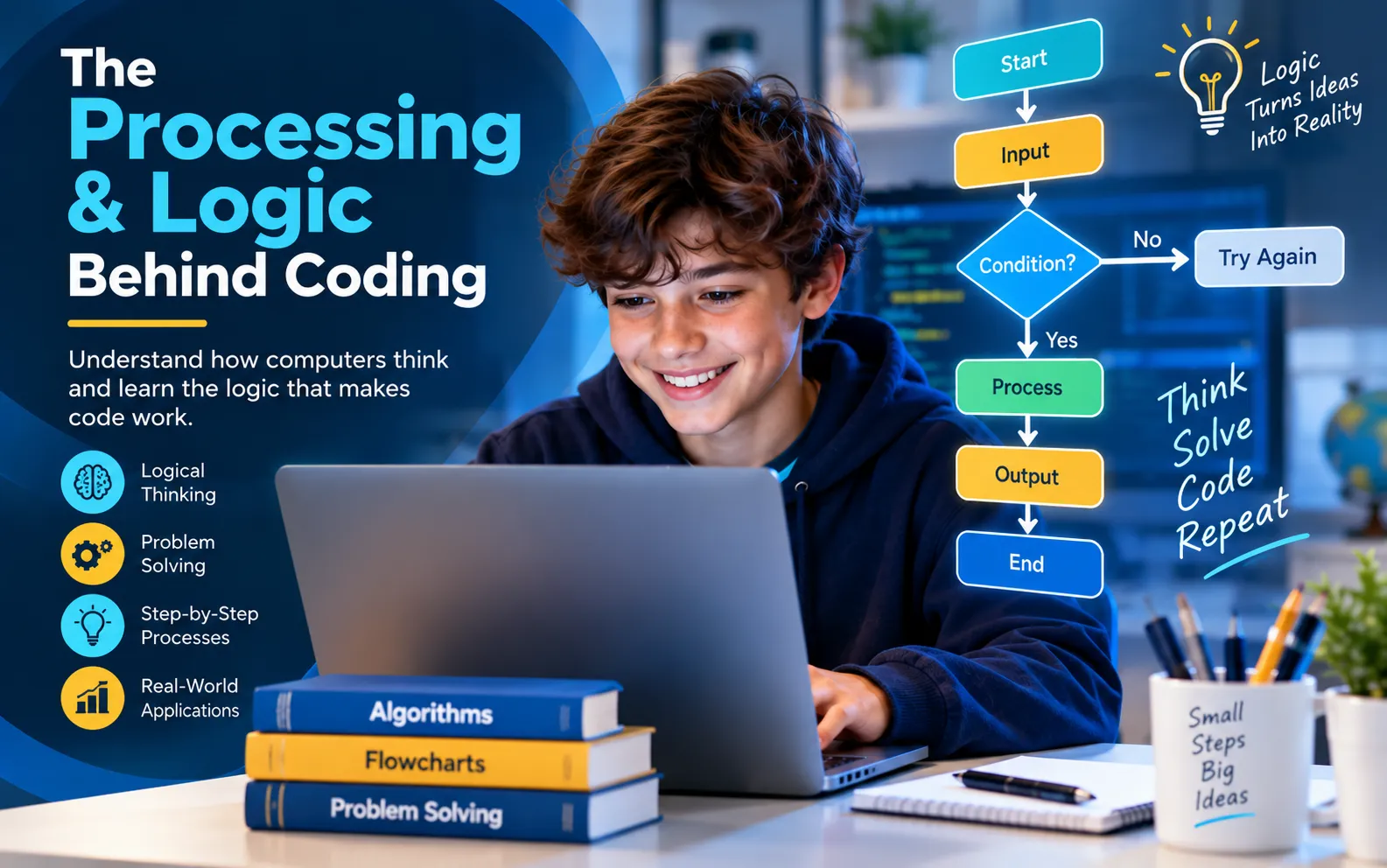
The Processing & Logic Behind Coding

Learn the reasoning that sits behind computer programming. This structured online course develops the foundations needed to understand number systems, logic concepts, Boolean algebra, flowcharts, algorithms, trace tables and pseudocode.
Beginner Level 13 Hours Self-Study Certificate Recommended 15–16+
The Processing and Logic Behind Coding Training Course
Course price
R450
Online · Self-study
Purchase Course
13 hrs Course duration
8 Course modules
39 Lessons
Beginner Course level
Course Overview

Understand the logic before you start writing code.

Programming is built on logical reasoning. This course lays the foundations needed to understand the concepts that programmers use when analysing problems, designing solutions and translating those solutions into structured instructions.

The focus is on number systems, logic concepts and the design of algorithms. You will progress from binary, octal, decimal and hexadecimal number systems into computer logic, Boolean algebra, decision tables, flowcharts, trace tables and pseudocode.

Basic mathematics and algebra at approximately Grade 9 level are required. The course is recommended from around 15–16 years of age and upward.

  • Work confidently with binary, octal, decimal and hexadecimal number systems.
  • Understand logic gates, truth tables and Boolean algebra.
  • Analyse problems using decision tables and system flowcharts.
  • Design program flowcharts using variables, loops, decisions and output.
  • Trace algorithms and express program logic using pseudocode.
Coding foundations

What you will learn to think about.

Rather than jumping straight into syntax, this course focuses on the reasoning, representations and problem-solving structures that programming relies on.

01

Number systems

Work with decimal, binary, octal and hexadecimal values, conversions, shortcut notation and arithmetic in different bases.

02

Computer logic

Learn logic gates, truth tables, logic diagrams and the reasoning computers use to evaluate conditions.

03

Algorithm design

Use decision tables, system flowcharts and program flowcharts to turn problems into structured logical processes.

04

Pseudocode & tracing

Follow program logic with trace tables and represent algorithms clearly using structured pseudocode.

Core topics

From numbers to algorithms.

Each module builds toward the ability to analyse a problem, represent its logic and prepare a solution before formal programming begins.

Number Systems Binary, octal, decimal and hexadecimal conversions, notation, arithmetic and overflow.
Computer Logic Logic gates, diagrams, conversions and truth tables.
Boolean Algebra Boolean concepts, laws and theorems used to reason about logical expressions.
Decision Tables & Flowcharts Convert decisions and processes into structured visual models.
Trace Tables Follow variables and program logic step by step to test how an algorithm behaves.
Pseudocode Express program logic in a readable structured form before moving into code.
Full course curriculum

8 modules. 39 lessons.

Expand each module below to see the lesson titles included in the current course.

01 Number Systems 13 lessons
  1. Before Starting
  2. The Different Number Systems!
  3. Decimal To Binary Conversion
  4. Decimal To Octal Conversion
  5. Decimal To Hexadecimal Conversion
  6. Binary To Decimal Conversion
  7. Octal to Decimal Conversion
  8. Hexadecimal To Decimal
  9. Shortcut Notation
  10. Arithmetics
  11. Addition With Different Bases
  12. Subtraction With Different Bases
  13. Overflow
02 Computer Logic 4 lessons
  1. An Introduction to Computer Logic
  2. Logic Gates
  3. Logic Diagrams and Conversions
  4. Truth Tables
03 Boolean Algebra 2 lessons
  1. Introduction To Boolean Algebra
  2. The Laws and Theorems Behind Boolean Algebra
04 Decision Tables 2 lessons
  1. Introduction To Decision Tables
  2. Constructing your own Decision table!
05 System Flowcharts 4 lessons
  1. Introduction to System Flowcharts
  2. System Flowchart Symbols
  3. System Flowchart Rules
  4. Drawing Your Own System Flowcharts!
06 Program Flowcharts 8 lessons
  1. Introduction To Program Flowcharts
  2. Program Flowchart Symbols
  3. Variables
  4. Simple Flowcharts and Loops
  5. Decisions Based On Logic
  6. Incrementation
  7. Output
  8. Errors
07 Trace Tables 2 lessons
  1. Introduction To Trace Tables
  2. Constructing Trace Tables
08 Pseudocode 4 lessons
  1. Introduction
  2. What Makes Pseudocode So Good?
  3. Pseudocode Equivalent Of Flowchart Symbols
  4. Writing Pseudocode
The SDO learning pathway

Move from computer foundations into programming logic.

This is the second course in the recommended three-course pathway. Mastering Computer Literacy provides the foundation, this course develops coding logic, and Designing Programs is the recommended next step.

Frequently asked questions

Before you begin.

How long is the course?
The current Tutor LMS course duration is approximately 13 hours.
Is this course suitable for beginners?
Yes. The course is set to beginner level, but it focuses on logical reasoning and requires basic mathematics and algebra.
What mathematics do I need?
The course description recommends basic mathematics and algebra at approximately Grade 9 level.
What will I study?
The course includes number systems, computer logic, Boolean algebra, decision tables, system flowcharts, program flowcharts, trace tables and pseudocode.
What should I study before and after this course?
Mastering Computer Literacy is the recommended preceding course. Designing Programs is the recommended course to complete next.
Ready for the next step?

Build the reasoning skills behind coding.

Purchase The Processing & Logic Behind Coding course for R450. The button adds product 770 to your basket and takes you directly to checkout.

Purchase Course